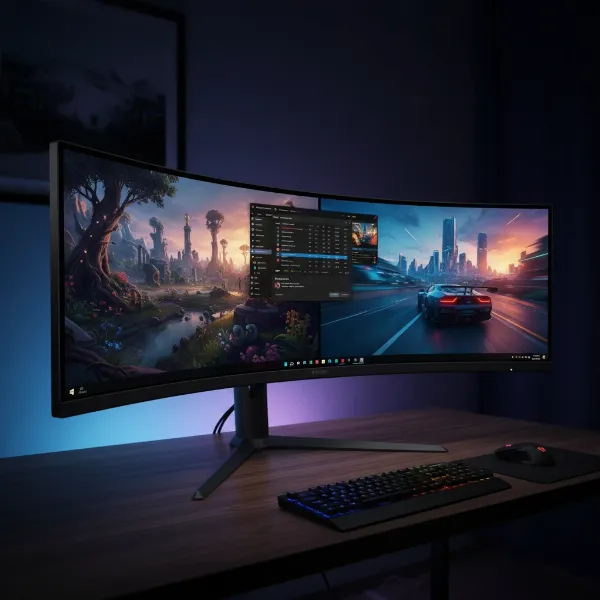
Choosing the perfect gaming monitor resolution can feel like navigating a maze of technical specifications and performance trade-offs. You want visuals that immerse you in virtual worlds, but also the smooth frame rates essential for competitive play. The ongoing debate between 1080p, 1440p, and 4K resolutions highlights this challenge, each offering a distinct experience for PC gamers. This article will break down the nuances of each resolution, examine critical factors influencing your decision, and help you pinpoint the sweet spot for your unique gaming setup and preferences.
Understanding Display Resolutions
At its core, monitor resolution refers to the number of pixels displayed on your screen, measured by width x height. More pixels generally translate to a sharper, more detailed image, but they also demand significantly more processing power from your PC.
1080p: The Foundation of Gaming
1080p, also known as Full HD (FHD), features a resolution of 1920×1080 pixels, totaling approximately 2.1 million pixels. It has been the standard for gaming for a long time, and for good reasons. 1080p monitors are typically the most affordable, making them accessible to gamers on a budget. This resolution requires less powerful hardware to run games smoothly, allowing even mid-range graphics cards to achieve very high frame rates, often 144Hz or even higher. Competitive gamers frequently prefer 1080p to maximize frame rates and minimize input lag, gaining a crucial edge in fast-paced titles. However, on larger screens (e.g., 32 inches), 1080p can appear less sharp due to lower pixel density, with individual pixels becoming more discernible.
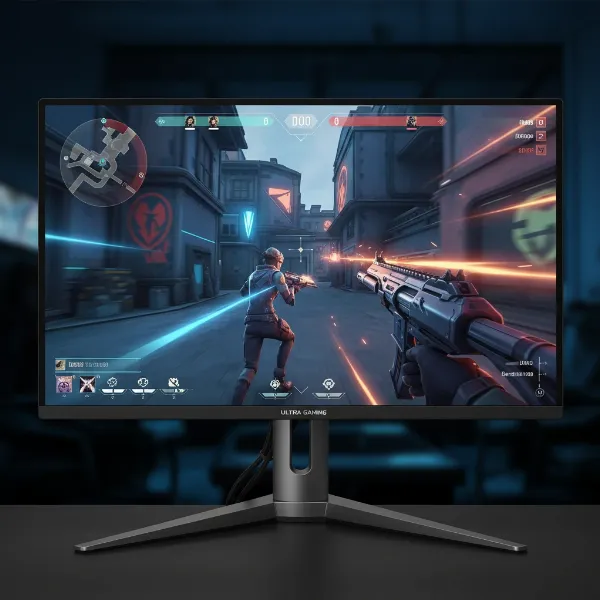 Close-up view of a 1080p gaming monitor displaying a fast-paced esports game with high frame rates
1440p: The Balanced Performer
1440p, often referred to as Quad HD (QHD) or 2K, boasts a resolution of 2560×1440 pixels, approximately 3.7 million pixels. This represents a significant 78% increase in pixels over 1080p, offering a noticeably sharper image and greater visual clarity. Many consider 1440p the “sweet spot” for gaming, striking an excellent balance between visual fidelity and performance. It delivers a substantial visual upgrade from 1080p without the extreme hardware demands of 4K, allowing mid-tier GPUs to run games at competitive frame rates, often supporting high refresh rates like 144Hz or 240Hz. 1440p monitors are particularly well-suited for 27-inch displays, providing an ideal pixel density for a crisp viewing experience.
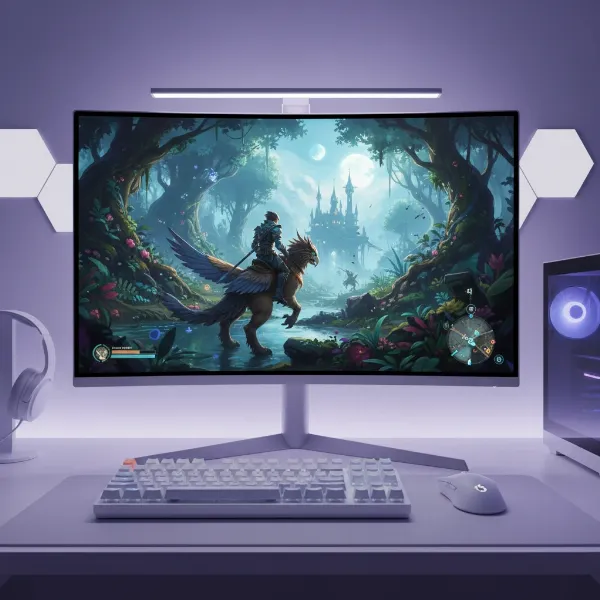 A gaming setup with a 27-inch 1440p monitor showing a visually rich game
4K: The Ultimate Visual Experience
4K, or Ultra High Definition (UHD), quadruples the pixel count of 1080p, featuring a massive 3840×2160 resolution, totaling roughly 8.3 million pixels. This immense pixel density delivers unparalleled image sharpness, clarity, and detail, creating an incredibly immersive gaming experience. Every texture, shadow, and reflection appears stunningly realistic, making it ideal for cinematic single-player games where visual immersion is paramount. However, this visual splendor comes at a steep price: 4K gaming is incredibly demanding on hardware. You’ll need a top-tier, high-end graphics card, often an RTX 5080 or equivalent, to achieve smooth and playable frame rates without heavily compromising in-game settings. While 4K monitors excel at displaying native 4K content, they perfectly scale 1080p content (each 1080p pixel becomes four 4K pixels), but can struggle with non-native resolutions like 1440p, leading to a softer image. For optimal viewing, 4K is best enjoyed on larger monitors, typically 32 inches and above.
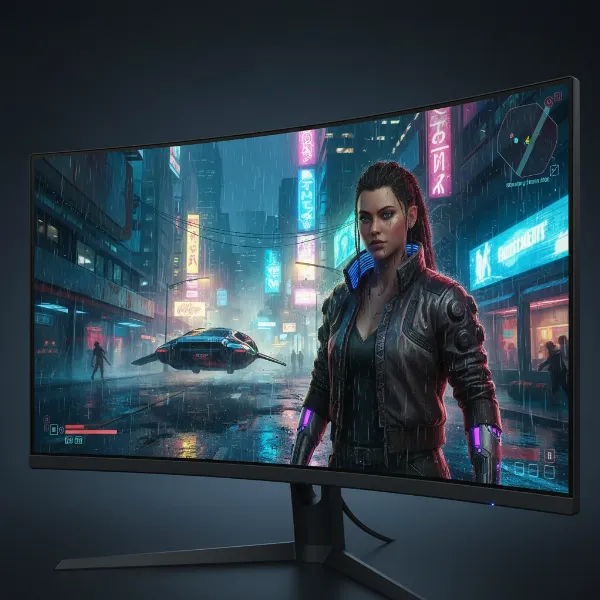 A close-up of a 32-inch 4K monitor displaying an ultra-realistic cinematic game scene
Key Factors to Consider When Choosing a Gaming Monitor Resolution
Selecting your ideal gaming resolution involves more than just pixel counts. Several intertwined factors play a crucial role in delivering a satisfying gaming experience.
Hardware Requirements: Your PC’s Powerhouse
The most significant factor influencing your resolution choice is your PC’s hardware, especially your graphics card (GPU). Higher resolutions require your GPU to render significantly more pixels per frame, directly impacting your achievable frame rates (FPS). For example, 4K gaming can be 2.25 times harder to run than 1440p.
- 1080p: Very forgiving. Most modern mid-range GPUs can handle 1080p gaming at high refresh rates with ease.
- 1440p: Requires a capable mid-to-high-end GPU to maintain high frame rates, especially in demanding titles.
- 4K: Demands a top-tier, high-end GPU (e.g., NVIDIA RTX 5080 or AMD RX 7900 XTX equivalent) to deliver smooth performance at acceptable settings. Without sufficient power, you’ll face significantly lower frame rates or be forced to reduce graphical fidelity, undermining the point of a 4K display.
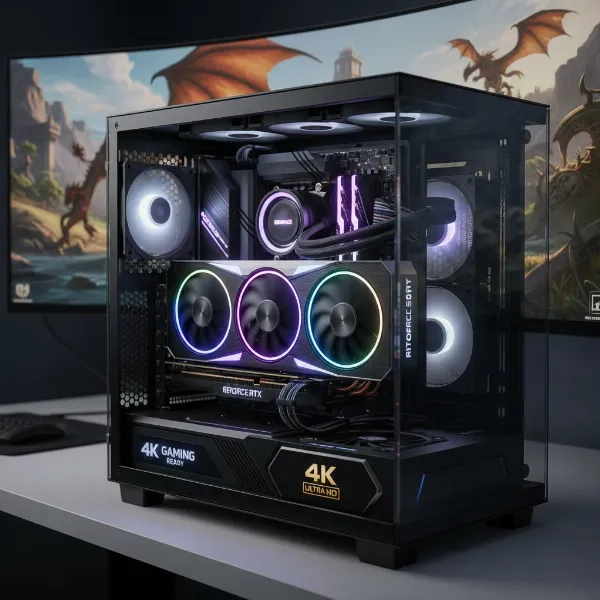 A powerful, high-end graphics card (GPU) illuminated in a modern gaming PC build
Monitor Size and Pixel Density (PPI)
The physical size of your monitor combined with its resolution determines its Pixel Per Inch (PPI), which directly correlates to the perceived sharpness of the image. A smaller monitor with a higher resolution will have a higher PPI and thus appear sharper than a larger monitor with the same resolution.
- 1080p: Best on 24-27 inch monitors. Beyond 27 inches, pixels become more noticeable, leading to a less sharp image.
- 1440p: Shines on 27-inch monitors, offering around 108 PPI for excellent clarity. It remains a great option up to 32 inches.
- 4K: Ideal for 32-inch monitors or larger. While a 27-inch 4K monitor offers the highest PPI (around 163), a 32-inch 4K monitor still provides superior sharpness compared to 1440p on the same size, with around 138 PPI. The visual benefits of 4K are most apparent on larger displays where the increased detail can be fully appreciated.
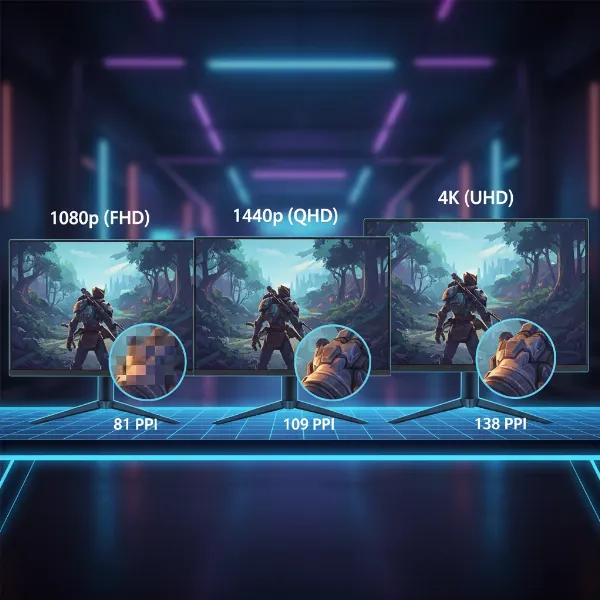 Three monitors of different sizes and resolutions illustrating pixel density differences
Refresh Rate and Response Time
For gamers, especially in competitive titles, a high refresh rate and low response time are paramount for smooth, responsive gameplay.
- Refresh Rate: Measured in Hertz (Hz), this indicates how many times per second the display updates the image. Higher Hz means smoother motion.
- Response Time: Measured in milliseconds (ms), this is how quickly pixels can change color. Lower ms reduces motion blur.
Generally, achieving higher refresh rates becomes more challenging as resolution increases due to the greater data throughput required. While 1080p monitors can easily hit 240Hz or even 360Hz+, 1440p monitors commonly offer 144Hz to 240Hz. 4K monitors are increasingly available with 144Hz or even 240Hz, but achieving consistently high frame rates in games at 4K resolution remains a significant hardware challenge. Competitive gamers often prioritize the higher frame rates and lower input lag offered by 1080p or 1440p.
Budget: Maximizing Your Investment
Your budget will inevitably play a significant role in your decision, as higher resolutions typically translate to higher costs for both the monitor and the necessary supporting hardware.
- 1080p: Most budget-friendly option for both the monitor and the PC components required to run it well.
- 1440p: Mid-range in cost, offering excellent value by balancing visual quality with performance without the extreme price tag of 4K setups.
- 4K: The most expensive choice, not only for the monitor itself but also for the high-end graphics card and potentially other components needed to drive it effectively.
Gaming Style and Preferences
Your personal gaming habits should heavily influence your choice.
- Competitive Gamers (e.g., FPS, Esports): Prioritize high frame rates and responsiveness. 1080p or 1440p with a high refresh rate monitor is usually the best choice. The ability to react faster due to minimal input lag and smooth visuals often outweighs pixel count.
- Immersive Gamers (e.g., RPGs, single-player adventures): Prioritize visual fidelity and stunning graphics. 4K delivers the most breathtaking visuals, enhancing the sense of realism and immersion.
- Balanced Gamers: If you enjoy a mix of competitive and immersive titles, 1440p often offers the ideal compromise.
Comparative Analysis: 1080p, 1440p, and 4K for Gaming
To summarize the key differences, consider this comparison:
| Feature | 1080p (Full HD) | 1440p (QHD) | 4K (UHD) |
|---|---|---|---|
| Resolution | 1920×1080 | 2560×1440 | 3840×2160 |
| Total Pixels | ~2.1 Million | ~3.7 Million | ~8.3 Million |
| Hardware Demand | Low | Medium-High | Very High |
| Typical FPS (with capable hardware) | Very High | High | Moderate-High |
| Visual Fidelity | Good | Excellent | Outstanding |
| Ideal Monitor Size | 24-27 inches | 27-32 inches | 32+ inches |
| Cost (Monitor + PC) | Low | Mid-Range | High |
| Best For | Competitive gaming, budget builds, esports | Most gamers, balanced performance, visual upgrade | Immersive single-player, high-end builds, content creation |
Finding Your Personal Sweet Spot
Ultimately, the “sweet spot” is a personal decision based on your specific needs, budget, and gaming priorities. There isn’t a universally “best” resolution; only the best one for you.
“While 4K delivers the most stunning visuals, 1440p offers a great balance of image quality and performance, making it a versatile choice for many gamers.” – Alex Chen, Gaming Tech Analyst
To make an informed choice, ask yourself these questions:
1. Evaluate Your Current Rig
What graphics card (GPU) and processor (CPU) do you currently have? Are you planning an upgrade? If you have a budget or mid-range GPU, 1080p or 1440p might be more realistic. High-end GPUs are essential for a smooth 4K experience.
2. Define Your Gaming Priorities
Do you primarily play fast-paced competitive shooters where every frame matters, or do you prefer visually stunning, immersive single-player adventures? Prioritizing FPS often points to 1080p or 1440p, while prioritizing visual fidelity leans towards 4K.
3. Set a Realistic Budget
Consider not only the cost of the monitor but also any potential upgrades to your PC components (especially the GPU) that might be necessary to drive your chosen resolution effectively.
By carefully considering these factors, you can align your monitor resolution with your hardware capabilities and gaming aspirations.
Conclusion
The journey to finding the ideal gaming monitor resolution is a balancing act between visual fidelity, performance, and cost. 1080p remains a solid, budget-friendly option for competitive players prioritizing maximum frame rates. 1440p has emerged as the true sweet spot for a vast majority of gamers, offering a significant visual upgrade over 1080p without the prohibitive hardware demands of 4K, providing a fantastic blend of clarity and smooth performance. For those with an uncompromising budget and a powerful PC, 4K delivers an unparalleled, immersive visual spectacle.
Which resolution best suits your gaming journey? By carefully assessing your hardware, budget, and preferred gaming experiences, you can confidently choose the display resolution that unlocks the full potential of your virtual worlds.
Frequently Asked Questions
Is 1080p still good for gaming in 2024?
Yes, 1080p is still an excellent choice, especially for competitive gamers who prioritize high frame rates and low input lag. It’s also the most budget-friendly option and requires less powerful hardware, making it accessible for a wide range of setups.
What GPU do I need for 1440p gaming?
For smooth 1440p gaming at high frame rates, a mid-to-high-end GPU is recommended. Cards like the NVIDIA GeForce RTX 4070/5070 or AMD Radeon RX 7800 XT/7900 GRE are generally good starting points to achieve a great 1440p experience.
Why is 4K so demanding on hardware?
4K resolution contains approximately 8.3 million pixels, which is four times the number of pixels in 1080p and 2.25 times more than 1440p. Your graphics card has to render each of these pixels for every frame, requiring immense processing power and VRAM, significantly more than lower resolutions.
Does monitor size affect resolution choice?
Absolutely. Monitor size heavily influences perceived sharpness and pixel density (PPI). A higher resolution is more impactful on larger screens. For instance, 1080p looks best on 24-27 inches, 1440p on 27-32 inches, and 4K on 32 inches or larger to fully appreciate the detail.